Defense in Depth: Physical Tier for SMB Cybersecurity
- Geoff Ramsay Software Architect · Privacy Professional · AI Specialist · Successful Startup CTO — Software Architecture · Cloud Architecture · AI & Machine Learning
- IT , Security
- 2026-01-22
Most small businesses invest in software security - firewalls, antivirus, MFA. But attackers don’t always come through the network. Sometimes they walk through the front door.
In our first article in this series, we covered the Technical Tier of our Defense in Depth strategy - the digital tools that protect your systems from outside threats. This article covers the second tier: Physical Safeguards.
Physical security is the layer most often overlooked by SMBs, and yet it’s directly addressed by frameworks like HIPAA, SOC 2, and ISO 27001 for good reason. A stolen laptop, an unlocked server room, or an unmonitored office after hours can undo every technical control you’ve put in place.
What Are Physical Safeguards?
In the context of cybersecurity, physical safeguards are the controls that govern who can physically access your spaces, devices, and data - and what happens when they do.
To continue the secure home analogy from our last article: your software security is the alarm system and smart locks. Physical security is everything else - the fence, the deadbolts, the floodlights, the camera at the gate, and the fireproof cabinet where the important documents live. Both matter. Neither replaces the other.
For small and medium businesses in the GTA, this doesn’t mean a corporate security operations centre. It means thoughtful, layered controls that are proportionate to your risk - and right-sized for your team.
Facility Access Control
The first question physical security asks is simple: who is allowed in, and how do you know they were there?
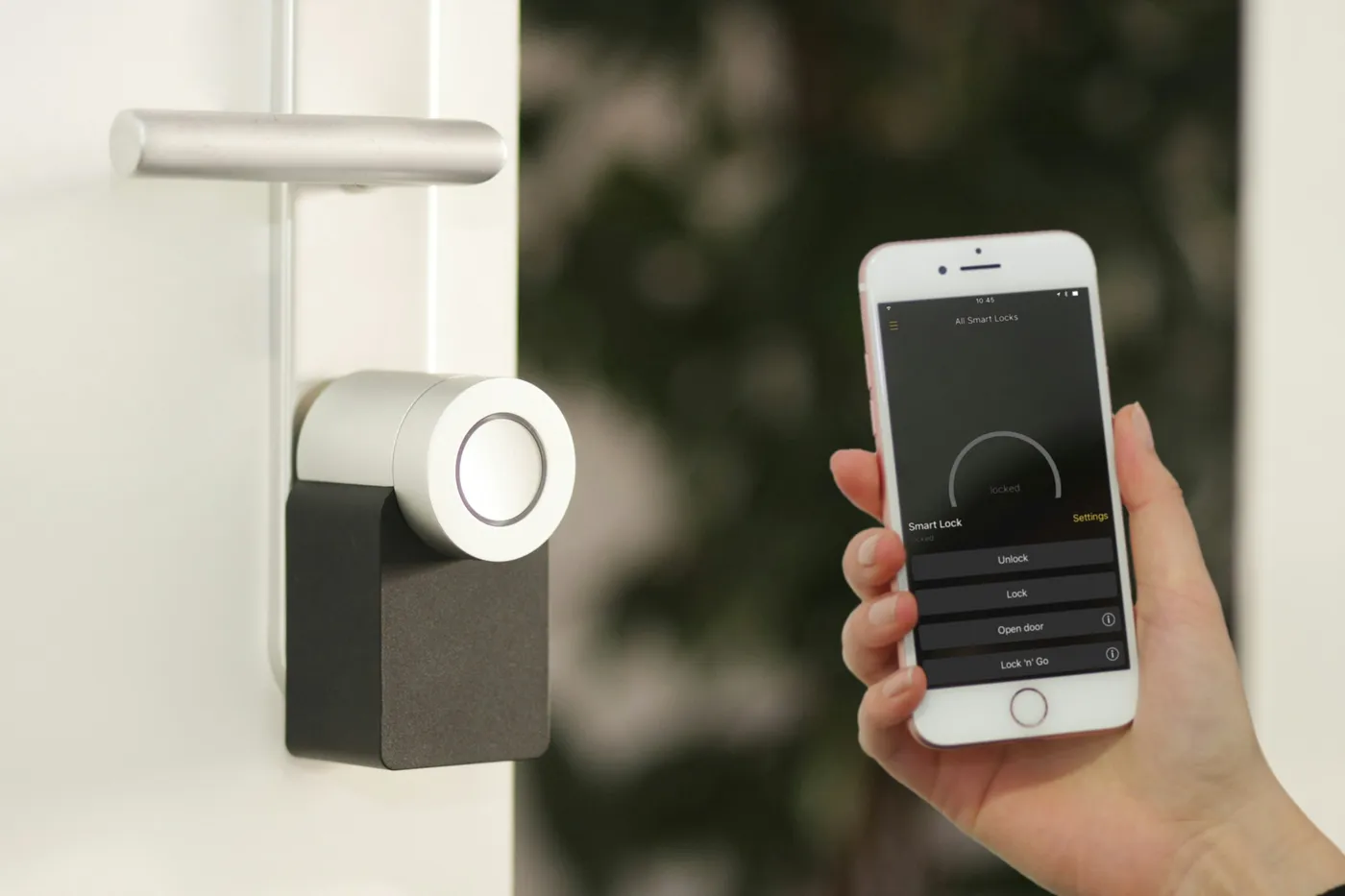
For most SMBs, this means controlling access to the office itself, as well as sensitive areas within it - like server closets, filing rooms, or executive spaces. We implement UniFi Access for our clients, which provides:
- Electronic door access using key fobs or access cards - no shared keys, no “I lost my copy” problems
- Per-user access logs that record exactly when each person entered or exited, and which door they used
- Scheduled access so that after-hours entry requires explicit authorization
- Remote lock/unlock so you can respond to incidents or let in a trusted visitor without being on-site
This is more than convenience. An access log is your first line of accountability. If something goes wrong - a missing device, a suspected data incident - you have a clear record of who was where and when. That record matters for insurance claims, compliance audits, and incident response.
Perimeter locks on server closets and networking equipment rooms are a non-negotiable baseline. We configure these as restricted zones: only the people who genuinely need physical access to that equipment are granted it.
Surveillance & Monitoring
Cameras serve two purposes: deterrence and documentation. A well-placed camera discourages opportunistic incidents, and provides evidence when something does happen.
We deploy UniFi Protect camera systems for clients who want integrated, enterprise-quality surveillance without the enterprise price tag. Key features:
- High-resolution coverage of entry points, server rooms, and common areas
- Local network video recording (NVR) - footage stays on your premises, not a third-party cloud
- Remote monitoring from your phone or laptop
- Motion alerts so you’re notified of unusual activity after hours
For compliance-sensitive businesses, having documented surveillance of areas where protected data or hardware lives is often a formal requirement. For everyone else, it’s simply peace of mind.
Workstation & Device Security
Your physical devices - laptops, desktops, phones - are portable. That’s both their value and their risk. A device left unlocked, borrowed by the wrong person, or carried out of the office is a potential breach.
We help clients implement workstation security policies as part of our managed device offering:
- Automatic screen lock after a short idle period - enforced by policy, not reliant on staff remembering
- User account controls that limit what any individual session can access or install
- Encrypted drives on all laptops and desktops using BitLocker (Windows) or FileVault (Mac)
That last point deserves emphasis. Full disk encryption means that if a laptop is stolen, the data on it is completely unreadable without the user’s credentials. The hardware loss is painful; the data breach is prevented. For any business handling client information, this is an essential control - not a nice-to-have.
We also enforce clean desk policies for clients in regulated industries: no sensitive documents left unattended, no passwords on sticky notes, screens locked when stepping away.
Secure Hardware Lifecycle
Physical security extends to what happens to devices at the end of their life. A recycled laptop with a standard factory reset still contains recoverable data. A donated hard drive from an old server may still hold client records.
Our device lifecycle process covers:
- Certified drive wiping using NIST-standard erasure before any device is repurposed or disposed of
- Destruction documentation for drives that cannot be wiped (failed drives, SSDs with bad sectors)
- Hardware inventory so you always know what devices exist, where they are, and who is responsible for them
This is a compliance requirement under HIPAA and many other frameworks - and a basic due-diligence step for any business that handles sensitive information.
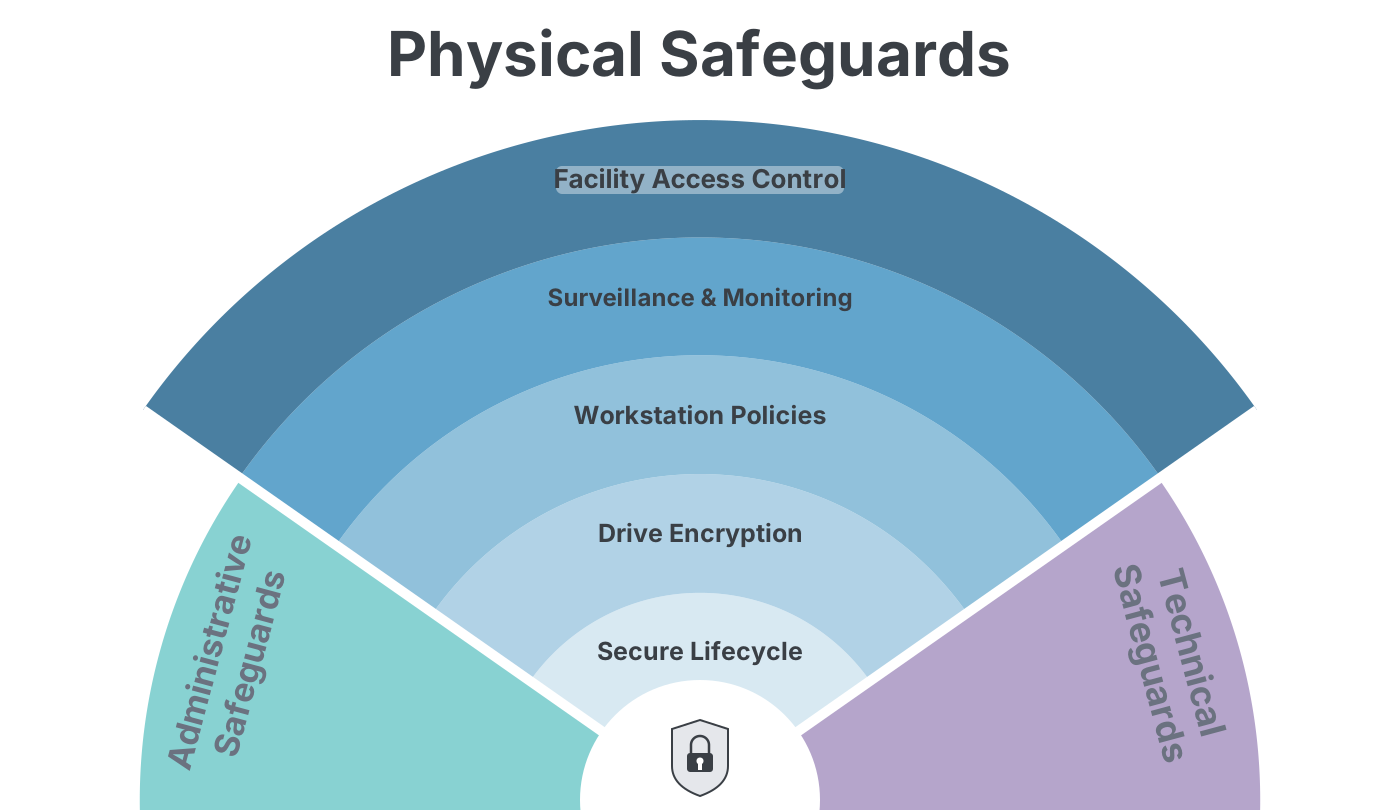
Bringing the Physical Tier Together
Physical safeguards aren’t glamorous. They don’t come with dashboards or threat intelligence feeds. But they close gaps that no software can.
By combining:
- Controlled facility access with electronic locks and per-user logs
- Surveillance coverage of sensitive areas and entry points
- Workstation policies including auto-lock and encrypted drives
- Secure device lifecycle management from provisioning to disposal
…you ensure that a threat actor who somehow bypasses your digital defences still faces real, meaningful barriers - and leaves a trail if they try.
This is the Physical Tier of Defense in Depth: the layer that protects your business from the inside out.
Frequently Asked Questions
Do I really need cameras and access control for a small office? If your office contains client data, financial records, or any regulated information, the answer is yes. The question isn’t whether your business is a target - it’s whether you can demonstrate due diligence if something goes wrong. Access logs and camera records are evidence you acted responsibly.
What does drive encryption actually protect against? It protects against data exposure from a lost or stolen device. A thief who takes a laptop gets the hardware, but without the login credentials they cannot read any of the data. For businesses handling personal information, this is often a breach-notification exemption under privacy law - an encrypted device is not considered a reportable data breach in most jurisdictions.
Our team works remotely. Does physical security still apply? Yes - and it’s harder. Remote work extends the physical perimeter to every employee’s home or coffee shop. We address this with device encryption, VPN enforcement, and mobile device management (MDM) policies that can remotely wipe a device if it’s lost or reported stolen.
What’s the difference between this and the Technical Tier? Technical safeguards protect your data as it moves through systems - firewalls, authentication, encryption in transit. Physical safeguards protect the hardware those systems run on and the spaces where your team works. Both are necessary. An attacker who gains physical access to your server can often bypass software controls entirely.
Secure solutions for compliance-critical business. You shouldn’t need to be an expert in physical security, compliance, or device management to protect your business. Let us share our refined and proven policies - built from enterprise-grade security practice, adapted for SMBs in the GTA.
Check Your Compliance Status | Connect with a Real Human
This is Part 2 of our three-part Defense in Depth series. Read Part 1: Technical Safeguards or Part 3: Administrative Safeguards.